Kinderlime
Kinderlime — Childcare Management App
Simplifying daily activity tracking, check-ins, and check-outs while keeping parents connected.
- Client
- Kinderlime
- Role
- Product Designer (UX/UI)
- Duration
- 8 weeks
The Challenge
Bridging the gap between parents and childcare providers.
Parents often lacked visibility into their child's daily activities, while childcare providers relied on fragmented tools and manual processes to manage attendance, communication, and billing. The challenge was to create a seamless experience that brought transparency, trust, and simplicity to everyday childcare management.
The Approach
One connected experience for parents and providers.
I focused on simplifying essential childcare workflows through an intuitive, mobile-first experience. From digital check-ins and real-time activity updates to parent communication and automated billing, the goal was to reduce administrative friction while helping parents feel informed, connected, and reassured throughout the day.
The Outcome
Less administration. More connection. Greater peace of mind.
Kinderlime brought everyday childcare activities into a unified digital experience, making it easier for providers to manage operations and parents to stay connected. User feedback highlighted the value of real-time updates, photos, seamless communication, and simplified billing—reinforcing the importance of designing around both operational efficiency and parental trust.
- Less admin time
- 65%
- Less admin time
- Parent engagement growth
- 42%
- Parent engagement growth
- Billing efficiency improvement
- 80%
- Billing efficiency improvement
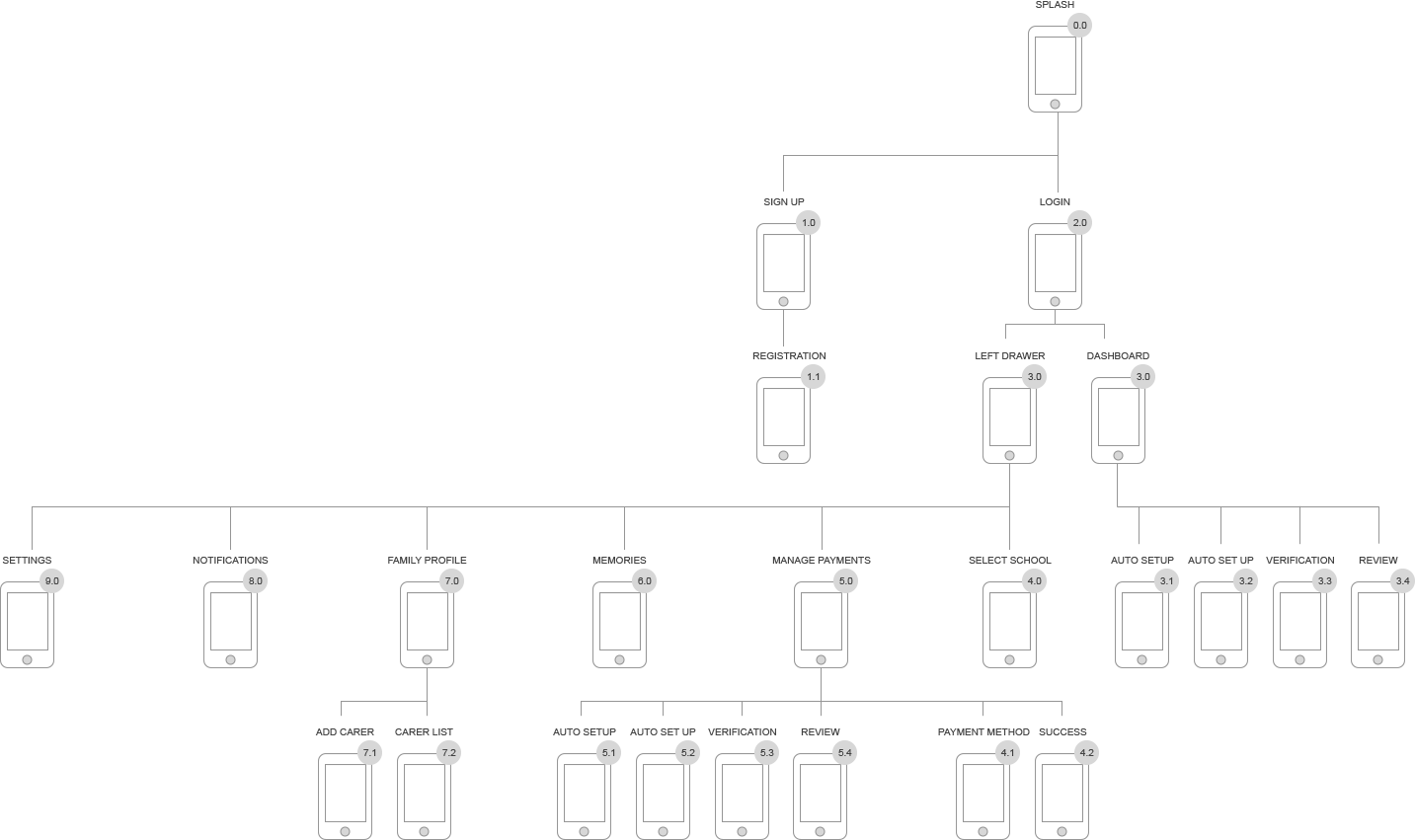
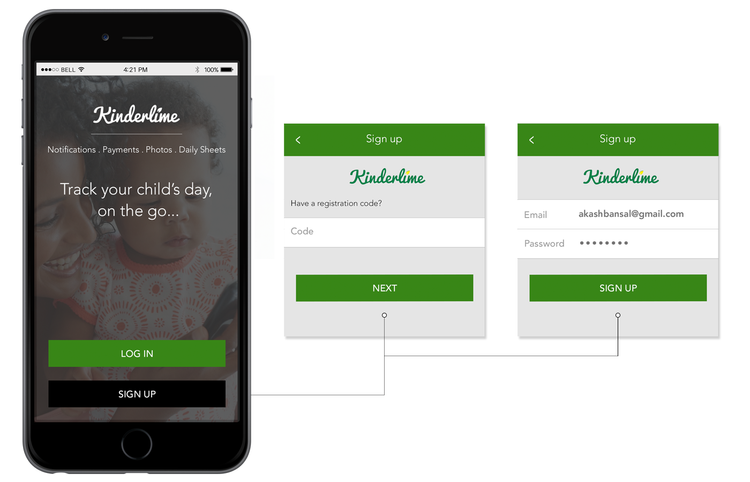
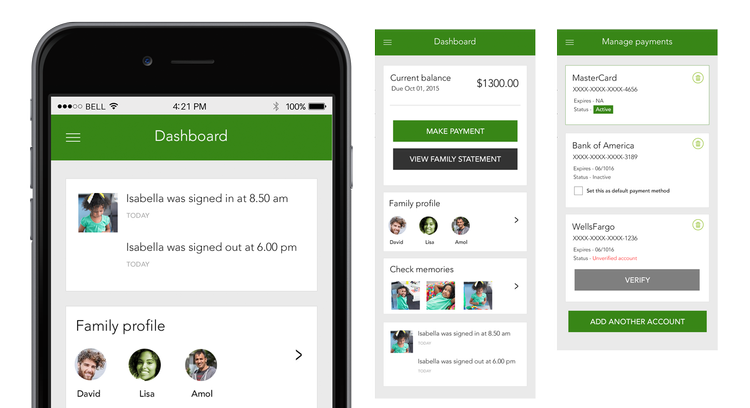
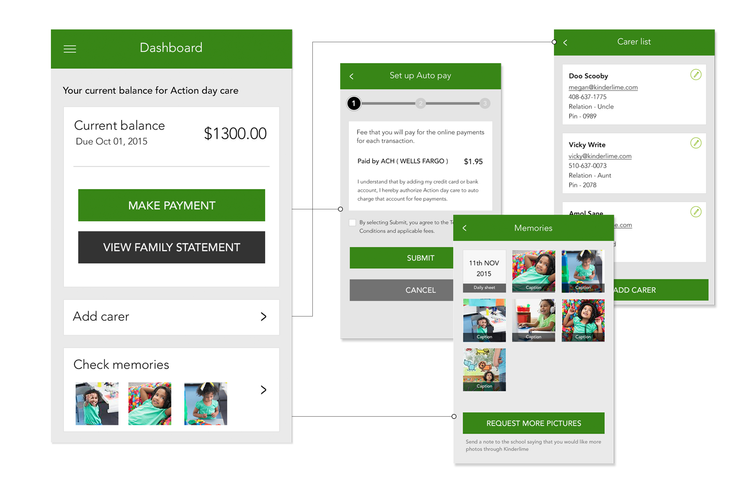
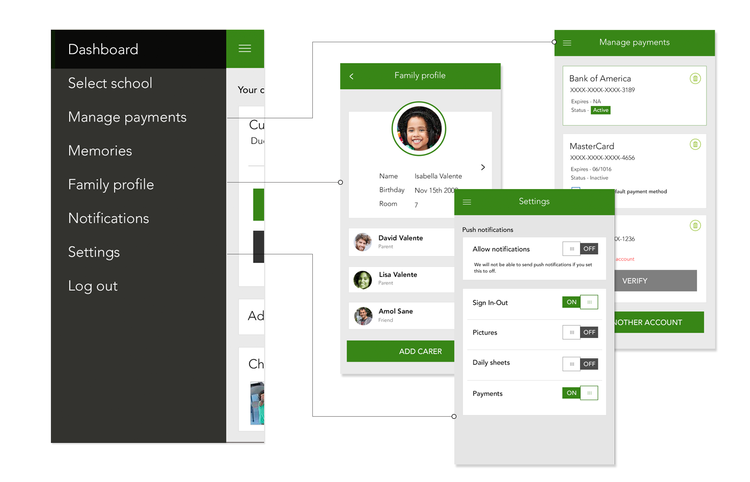
Inside the app
From the first sign-in to managing payments, every screen was built around the moments parents check in on most.